DirectoryLaunchDirectoryLaunch
Use cases

One codebase.Four things to launch.

DirectoryLaunch is a Next.js boilerplate that runs as a SaaS directory, an AI tools directory, a local business directory or an online store — the vertical is a config value, not a fork. Below is what each one lists, how each one earns, and which fits you.

Which one are you building?

All four ship in the same repo. The differences are what goes in the catalogue and who pays you for it.

Comparison of the four DirectoryLaunch paths: what each lists, how each earns revenue, and who each suits
PathWhat it listsHow it earnsBest if
SaaS directorySoftware tools, by verticalPremium listings, sponsorshipsYou know a software niche and the buying terms people search
AI tools directoryAI tools, by use casePremium placement, sponsored highlightsYou can keep pace with dozens of new tools a week
Local business directoryReal businesses in one trade and areaClaimed listings, quote leads, placementsYou want owners paying you, not advertisers
Online storeYour own productsDirect sales through Stripe CheckoutYou are selling goods rather than listing other people's
Launch a SaaS directory in days, not months
SaaS directory

Launch a SaaS directory in days, not months

Catalog SaaS tools by vertical, charge for premium listings and rank for buyer-intent searches like 'best CRMs for agencies'. Ships with submissions, Stripe billing and category-aware schema.

Read the playbook
Launch an AI tools directory that ranks and converts
AI tools directory

Launch an AI tools directory that ranks and converts

Catalog the AI gold rush with use-case taxonomies, AI-generated descriptions and programmatic comparison pages. Built for directories that need to ingest 50+ new tools every week without burning out.

Read the playbook
Local business directory built with DirectoryLaunch — a 'Local businesses near you' search over a grid of business listings
Local business directory

Launch a local business directory that wins local search

Build a Yelp-style local directory for one niche — HVAC, dentists, gyms, tradespeople. Owner-claimed listings, request-a-quote lead capture, an interactive map and programmatic 'service-in-city' SEO pages, on a codebase you own.

Read the playbook
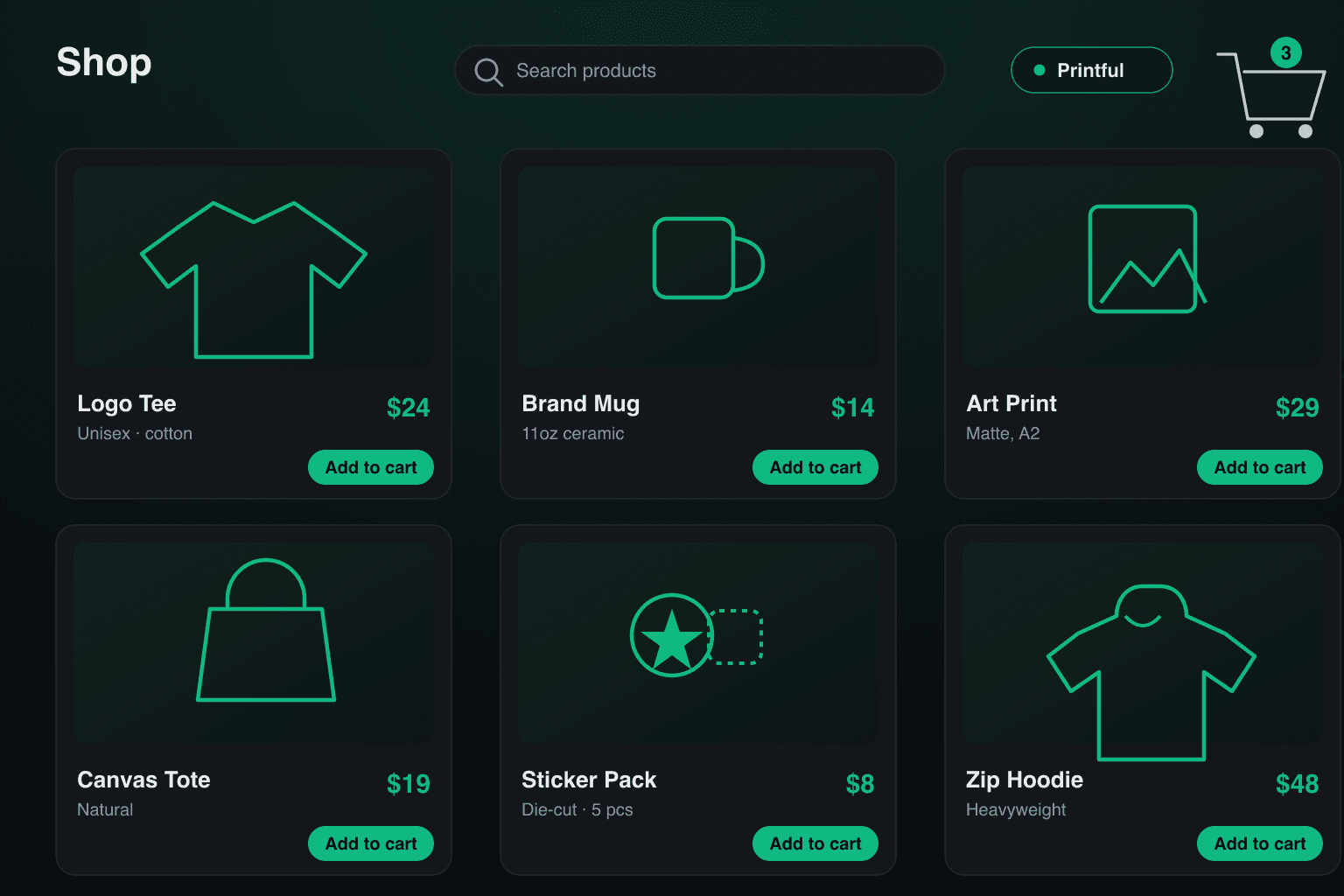
Online store built with DirectoryLaunch — a storefront grid beside a product buy box
Online store

Launch an online store you own — no monthly fees

Run a single-owner online store on a codebase you own: products, cart, native Stripe Checkout and an orders admin. Connect Printful for print-on-demand — printed and shipped for you, zero inventory.

Read the playbook

One codebase, every format

Why do these share a stack?

Because underneath, they are the same application. A SaaS catalogue, a local directory and a store all need records with custom attributes, a category tree, search with filters, payments, moderation and an admin panel. What changes between them is the schema, the copy and which screens are switched on — not the foundations.

Shared by all four

  • Listings or products with custom attributes
  • Category trees, tags and faceted search
  • Payments, checkout and an orders ledger
  • Accounts, roles and row-level security
  • Moderation queue and a full admin panel
  • Programmatic SEO pages, sitemap and JSON-LD

You own the source, host it on your own Vercel and Supabase, and the licence covers as many sites as you want to launch.

Before you pick one

Which type of directory is easiest to start with?
A local business directory in one trade and one metro area. The listings already exist in the world, so you are not waiting on submissions to have a catalogue worth visiting, and owners have an obvious reason to pay you: the leads land in their inbox. A SaaS or AI tools directory is a harder cold start because the value only appears once the catalogue is broad enough to be worth browsing.
Can one codebase really run a directory and an online store?
Yes — the vertical is a config value, not a fork. A directory and a store both need listings or products with custom attributes, categories, search with filters, payments, moderation and an admin panel. Those are the same components. Switching between them changes the schema, the copy and which screens are switched on, not the foundations underneath.
Do I need to know how to code to launch one?
You need to be able to run a few terminal commands and paste API keys into a config file. Everything past that — categories, pricing, theme, copy, the vertical itself — is edited in config files or in the admin panel. Buyers who would rather not touch any of it can hand the repo to Claude Code or Cursor and describe the niche, or take the Custom plan and have it set up for them.
What does it cost to run once it is live?
A domain, roughly $10–15 a year. Hosting is free on Vercel at normal traffic, and the database, email and payment accounts you need — Supabase, Resend and Stripe — all have free tiers that cover an early-stage directory. The boilerplate itself is a one-time purchase with no recurring fee.
How is this different from a no-code directory builder?
You own the code and the database. A hosted builder keeps your listings in its system, charges monthly, and stops you at whatever its templates allow — which usually means no custom listing schema and no programmatic SEO pages. Here the source is yours, the data sits in your own Supabase project, and there is no plan to outgrow.
Can I build more than one directory with a single licence?
Yes. Every plan is an unlimited-site licence, so you can launch as many directories or stores as you like with no per-site fee. The Custom plan adds a done-for-you setup that launches one of them for you.


Your directory could be live next week.

Pay once. Launch fast. Own everything. Whether you set it up yourself or let our team do it for you.

  • Pay once
  • Unlimited sites
  • Full source code
  • 14-day refund

Questions before you buy? hello@directory-launch.com